

Imagine this: your custom gaming PC has powered up hundreds of epic sessions, but now, right before a big match, it refuses to boot or crashes mid-game. It’s a maddening scenario for any gamer or tech enthusiast—especially when you’ve invested in a high-performance rig. Whether you’re in Inverurie, Aberdeenshire or anywhere across the UK, knowing how to tackle these issues is vital. Welcome to the ultimate guide for troubleshooting custom gaming PCs—let’s get your machine back in the game.
Quick answer: Troubleshooting custom gaming PCs means systematically checking hardware, software, and configuration settings to identify and resolve issues affecting performance or stability. Start by inspecting connections, running diagnostics, updating drivers, and monitoring system health to quickly isolate and fix common problems on your custom-built gaming rig.
Key Takeaways
Troubleshooting custom gaming PCs starts with clear symptom identification and a logical, step-by-step approach.
Most issues—like crashes or failed boots—are caused by common hardware or software faults, often fixable at home.
MckinnonCustomComputers provides national support and expert repairs from Inverurie, Aberdeenshire.
Regular maintenance and timely upgrades help prevent recurring custom gaming PC issues.
Knowing when to seek professional help saves time, stress, and money in the long run.
Understanding Common Custom Gaming PC Issues
Spotting Warning Signs Early
Before diving into troubleshooting custom gaming PCs, it's crucial to recognise the early red flags. Are you experiencing sudden system crashes, unexpected restarts, or persistent blue screens? Maybe games freeze or your PC won’t respond after an update. These symptoms are telltale signs of underlying problems—often hardware failures, driver conflicts, or overheating.
Many gamers in Inverurie and Aberdeenshire face similar headaches, particularly as custom builds age or after installing new components. Don’t ignore odd noises, increased fan speeds, or error messages. Being proactive in recognising custom gaming PC issues can save hours of frustration and costly repairs.
Why Custom PCs Are Prone to Unique Problems
Unlike off-the-shelf systems, custom gaming PCs mix and match components from different brands and generations. While this brings performance advantages, it also increases the risk of custom PC hardware problems. Compatibility errors, BIOS mismatches, and incorrect power distribution can all result in unexpected behaviour. Additionally, gaming PC repairs often require more specific knowledge—something MckinnonCustomComputers excels at for UK clients.
Step-by-Step Guide to Troubleshooting Custom Gaming PCs
Initial Checks: Power, Cables & Peripherals
Start with the basics. If your machine won't start, double-check the power cable, wall socket, and PSU switch. Disconnect all peripherals and try to boot with just the essentials attached. Inspect for loose connections or damaged leads—a common cause of why won't my gaming PC boot? in both new and old rigs.
Systematic Internal Inspection
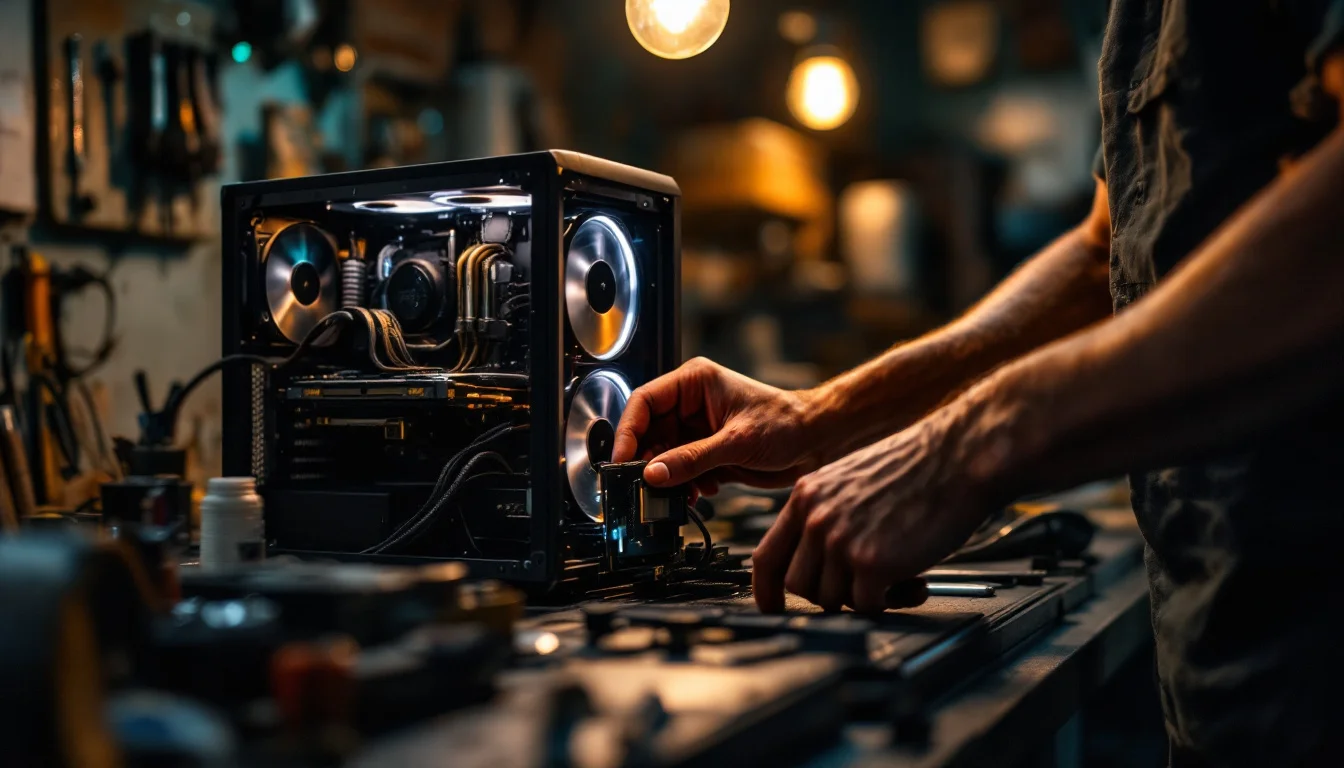
Next, safely open the case (after unplugging) and visually check every component. Reseat RAM sticks, graphics cards, and storage drives. Look for signs of dust, corrosion, or poorly seated cables. Many Inverurie custom gaming build issues are simply due to parts coming loose during transport or after an upgrade. Take your time, and consult your motherboard manual for correct slot usage and configurations.
Boot and POST Troubleshooting
If the system powers on but won’t boot, watch for POST (Power-On Self-Test) codes or beeps. These help pinpoint faulty hardware. Refer to your motherboard documentation or the manufacturer’s website for decoding these signals. Swapping out components (like using only one RAM stick at a time) can isolate the culprit. This approach is at the heart of troubleshooting gaming PCs in Inverurie and beyond.
Software, Drivers & Operating System Faults
Driver and BIOS Updates
Many custom gaming PC issues relate to outdated or incompatible drivers. Always download the latest graphics, motherboard, and chipset drivers directly from manufacturer sites. BIOS updates can resolve hardware compatibility problems—follow instructions carefully to avoid bricking your board. Regular driver maintenance is essential for fixing gaming computer problems and ensuring stability.
Windows and Game Updates
Make sure your operating system is fully updated. Delayed or failed Windows updates can cause incompatibilities, leading to common gaming PC errors such as crashes or black screens. Verify that game clients (like Steam, Epic, or Origin) are also up to date. Corrupted installations are a major source of solving gaming PC crashes—try verifying and repairing game files through their respective launchers.
Malware and Background Processes
Hidden malware or resource-heavy background processes can bring even the best high-performance rigs to a crawl. Run a full antivirus scan and check Task Manager for unfamiliar applications. Disabling unnecessary startup programs frees up RAM and CPU resources, improving stability and speed. These are straightforward gaming PC repair tips that apply whether you're troubleshooting in Aberdeenshire or anywhere else in the UK.
Performance Troubleshooting and Upgrades
Identifying Bottlenecks and Overheating
If your system boots but suffers from lag, stuttering, or random shut-downs, the issue may be thermal or resource-related. Use monitoring software like HWMonitor, MSI Afterburner, or GPU-Z to keep tabs on CPU/GPU temperatures and usage. Inefficient cooling is a common problem in custom builds, particularly with powerful graphics cards or overclocked CPUs.
Check that all fans are spinning, dust filters are clean, and airflow is unobstructed. Replacing thermal paste or upgrading cooling solutions can dramatically improve system stability and performance. In the often cool but dusty Scottish climate, Inverurie and Aberdeenshire gamers should make this a regular part of their routine.
When to Upgrade vs. Repair
Not every issue requires a new part. Sometimes, reseating RAM or replacing a faulty cable is enough. However, persistent performance drops across multiple games or applications may point to component wear. Compare the costs and benefits of upgrading a GPU, adding more RAM, or switching to an SSD, versus repairing older hardware.
Problem |
Common DIY Fixes |
When to Call an Expert |
|---|---|---|
Won’t boot |
Check cables, reseat components, clear CMOS |
No POST beeps, persistent failure after all checks |
Overheating |
Clean fans, replace thermal paste, improve ventilation |
Cooling system failure, thermal shutdowns continue |
Blue screens |
Update drivers, run memory tests, check for malware |
Multiple blue screens, hardware diagnostics needed |
Lag/stutter |
Lower settings, update drivers, close background apps |
System-wide performance drops, component upgrade needed |
Random shutdowns |
Check power supply, monitor temps, scan for viruses |
Power supply or motherboard failure suspected |
Preventive Maintenance: Keeping Your Custom Rig Healthy
Routine Cleaning and Care
Prevention is better than cure. Dust and debris can cause overheating, electrical shorts, and fan failures—three of the most common sources of custom gaming PC issues. Every 3–6 months, unplug your PC, open the case, and carefully blow out dust using compressed air. Pay special attention to heatsinks, fans, and filters.
Check for cable clutter, which can impede airflow. Secure cables with ties and avoid running them over fans or blocking vents. For those in Aberdeenshire or similar climates, humidity and fine dust can speed up grime build-up, making regular cleaning even more critical. Preventative care is a cornerstone of Inverurie gaming computer services.
System Updates and Backups
Schedule regular operating system and driver updates to avoid falling behind on security and compatibility. Back up important files—especially saved games and creative projects—using a combination of external drives and reputable cloud services. This protects your data if a major failure occurs and is strongly recommended by consumer champions like Which?.
Establishing a Maintenance Routine
Set reminders to check your system’s health monthly. Tasks include scanning for malware, cleaning dust, updating drivers, and backing up files. Consistency in these habits will significantly extend the life of your custom gaming PC and reduce the frequency of troubleshooting custom gaming PCs in the future.
Advanced Troubleshooting and Support in Inverurie & Nationwide
When to Seek Professional Help
Some issues—like persistent boot failures, motherboard faults, or recurring blue screens—are best left to specialists. MckinnonCustomComputers offers comprehensive Aberdeenshire gaming PC support and nationwide repairs for tricky problems. Their expertise covers advanced diagnostics, component-level repairs, and custom upgrades, saving you time and stress.
If you’re repeatedly troubleshooting custom gaming PCs without lasting success, it’s time to consult a pro. Remember, DIY repairs can void warranties or risk further damage if not done carefully. Local experts in Inverurie understand the specific needs of UK gamers and can provide tailored solutions, including home visits and express courier services.
Warranty, Consumer Rights & Trusted Repairers
Before major repairs, check your warranty coverage and understand your rights under the Consumer Rights Act. If your PC is under warranty, always contact the manufacturer or your retailer first. For out-of-warranty systems, choose a reputable repairer with transparent pricing and strong customer reviews—like MckinnonCustomComputers, who are trusted by the Inverurie community and ship nationwide.
Choosing Between Repair, Upgrade, or Replacement
Deciding whether to repair, upgrade, or replace a failing component depends on age, cost, and your gaming goals. High-performance rigs can often be revitalised with targeted upgrades, while older systems might benefit from a new build. Always ask for an honest assessment and detailed quote before proceeding—MckinnonCustomComputers provides this as standard for their UK clients.
Frequently Asked Questions
What are the most common causes of custom gaming PC crashes?
The main culprits include overheating, faulty RAM or GPU, corrupt drivers, and power supply issues. Regular cleaning, driver updates, and monitoring system health can prevent most crashes. If problems persist, a professional diagnostic is recommended.
How do I know if a hardware component has failed?
Look for POST beeps, error codes, or lack of activity from specific parts (like non-spinning fans or unlit LEDs). Swapping suspected faulty parts with known-good ones is a classic troubleshooting step. If in doubt, seek help from Inverurie gaming computer services.
Can I fix blue screen errors myself?
Often, yes. Update your drivers, check for overheating, run a memory test, and scan for malware. Document any error codes—they help pinpoint the cause. If blue screens continue after all checks, consult a professional.
How often should I perform maintenance on my gaming PC?
Aim for light cleaning and software updates monthly, with a thorough dust-out and hardware inspection every 3–6 months. Gamers in Inverurie and Aberdeenshire may need more frequent cleaning due to local environmental factors.
Is it safe to update my BIOS at home?
Updating BIOS is safe if you carefully follow the manufacturer’s instructions and use the correct files. Power failures during the process can cause issues, so avoid interruptions. If unsure, MckinnonCustomComputers can handle BIOS updates for you.
With a solid understanding of troubleshooting custom gaming PCs, you’ll tackle most issues confidently and keep your rig delivering peak performance. For the trickiest faults, or if you prefer expert support, reach out to MckinnonCustomComputers in Inverurie, Aberdeenshire—they’re ready to help gamers UK-wide with repairs, advice, and upgrades for every level of enthusiast.


